


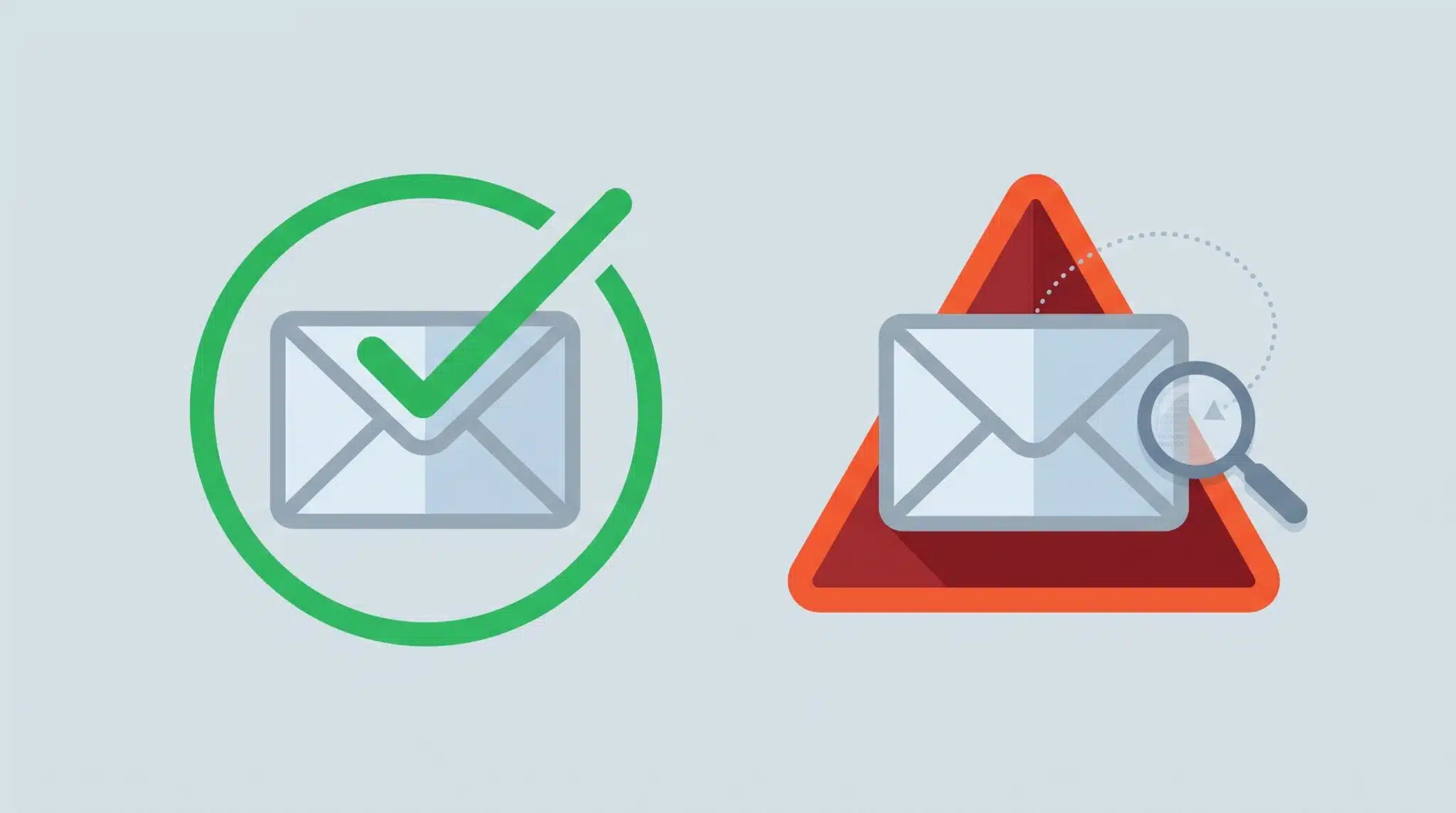
Why Some Phishing Emails Get Blocked and Others Don't
Two nearly identical emails, two different outcomes — here's how spam filtering actually decides, and what it means for your firm.
Spam filters don't work like a lock on a door — they work like a judgment call, made in a fraction of a second, based on dozens of shifting signals. That's why a firm running Microsoft 365 Defender alongside a dedicated AI-based email security layer can still see an obvious scam land in an attorney's inbox while a harmless newsletter gets buried in quarantine. It isn't a broken system. It's a system built to avoid a worse problem: blocking a real client email.
Why This Matters for Law Firms
Attorneys and their staff live in their inbox. A missed filing deadline notice, a signed engagement letter, a wire instruction from opposing counsel — all of it arrives by email, and all of it has to get through. That single fact shapes how every spam filter on the market is built. The people who design these systems have to weigh two very different risks: letting a bad email in, or blocking a good one. For a law firm, a blocked client email can mean a missed deadline, a bar complaint, or a client who feels ignored. So the filter is deliberately tuned to lean toward delivering when it's uncertain, not toward blocking. That tradeoff is the root of almost every "why did this get through?" question we get.
The FBI's Internet Crime Complaint Center logged business email compromise as the second most costly crime category in the country in 2025, with $3.046 billion in reported losses from roughly 24,768 complaints, and phishing and spoofing remained the single most reported crime type overall. The American Bar Association's 2025 Legal Technology Survey found that 29% of law firms have experienced a security breach at some point, with firms in the 10 to 49 attorney range reporting the highest incident rates of any firm size.
How Spam Filtering Actually Works
Modern email security, whether it's Microsoft 365 Defender or a third-party AI-based layer, doesn't ask "is this spam, yes or no." It calculates a score, drawing on a wide set of signals, and only acts once that score crosses a threshold.
Three of the biggest signals are authentication records: SPF, DKIM, and DMARC. SPF confirms the sending server is allowed to send mail for that domain. DKIM adds a cryptographic signature proving the message wasn't altered in transit. DMARC tells receiving servers what to do if a message fails those checks — quarantine it, reject it, or let it through. When we set these up for a client's domain, we're closing the door on the crudest kind of spoofing, where an attacker sends mail that claims to be "from" your firm's own domain.
But authentication only proves who sent the message, not whether the message is dangerous. That's where AI-based filtering tools come in. They look at sender reputation, how long a domain has existed, whether the writing style matches previous messages from that sender, whether a link goes somewhere the display text doesn't suggest, and thousands of other data points learned from analyzing enormous volumes of confirmed phishing. None of this is perfect, and none of it is instant certainty — it's probability, and it's a probability that keeps shifting as attackers adopt the same AI tools. The FBI's 2025 IC3 report tracked an AI-related crime category for the first time, logging over 22,000 complaints and nearly $893 million in losses tied to AI-assisted fraud, much of it built on the kind of polished, error-free social engineering that used to be a telltale sign of a scam.
Why Some Obvious Scams Still Get Through
A few patterns explain most of the "how did this one slip by" moments:
The message comes from a real, previously trusted account. If an attacker compromises a vendor's or opposing counsel's actual email account and sends from it, every authentication check passes, because it genuinely is that person's server. The content might be a scam, but the sender is real. This is one of the fastest-growing categories of phishing precisely because it defeats SPF, DKIM, and DMARC by design.
The domain is new but convincing. A lookalike domain built the day before an attack hasn't built up enough reputation history to be flagged as suspicious, yet it also hasn't done anything wrong yet in the filter's eyes. Filters lean on history, and a brand-new domain has none.
The email has no links or attachments to analyze. A short, text-only message asking someone to "call me" or "handle this quietly" gives an AI scanner almost nothing to evaluate. Ironically, the simplest phishing attempts are sometimes the hardest to catch, because sophistication in these tools is built around analyzing links, attachments, and known bad patterns.
Why Some Legitimate Emails Get Blocked
The same logic runs in reverse. A new client using a new domain, a court e-filing system with a bulk-mail sending pattern, or a legitimate vendor invoice with an embedded link can trip several of the same signals a phishing email would. The filter isn't wrong to be cautious here; it's applying the same rules consistently. This is exactly why we ask clients to flag anything that lands in quarantine rather than assuming it was junk — a five-minute release from the quarantine portal is a much better outcome than a firm assuming the filter caught everything it should have.
What to Expect From Your Firm's Email Security
No combination of Microsoft 365 Defender, SPF/DKIM/DMARC, and a third-party AI-based filtering layer will ever reach zero false negatives or zero false positives. That's not a limitation of any particular product; it's the nature of trying to make a split-second trust decision about a message from a stranger. What a well-configured stack does is shift the odds heavily in your favor and catch the overwhelming majority of attacks, particularly the high-volume, unsophisticated ones that make up most of what a law firm actually receives.
The messages that still get through tend to be the ones built specifically to look like exactly what your staff expects: a real vendor, a real client, a familiar tone. That's why the technology has to be paired with the same habit we ask every client to build into their team: a quick pause before clicking, especially on anything involving a wire transfer, a password reset, or an urgent request from a partner.
How eSudo Helps
For law firms we support across Silicon Valley, the Bay Area, and Washington state, we don't just turn on a spam filter and walk away. As part of our managed IT support for law firms, we tune SPF, DKIM, and DMARC specifically for each firm's mail flow, layer in AI-based filtering suited to the sophistication of the phishing attempts law firms actually see, and review quarantine and release activity so the rules keep improving instead of staying static. If your team has been surprised by what does or doesn't get through, we're happy to walk through your current setup and show you exactly why.
Get in Touch With Our TeamFrequently Asked Questions
Does SPF, DKIM, and DMARC stop all phishing emails?
No. These three records verify that a message actually came from where it claims to have come from, which stops direct domain spoofing. They do nothing to evaluate whether the content of a legitimate-looking message is a scam, which is why they're always paired with a separate content and behavior analysis layer.
Why did a phishing email from a "real" address get through our filter?
This usually means the sender's actual email account was compromised, not spoofed. Since the message truly did originate from that account and server, it passes every authentication check. Content-based AI filtering is the only layer that can catch this pattern, and even then, a well-written message with no suspicious links can be difficult to flag.
Should we report emails that get through, or just delete them?
Report them. Every phishing email your team reports through Microsoft 365 or your email security platform helps train the filter to catch similar attempts faster in the future, both for your firm and, in aggregated models, for other organizations using the same platform.
Is it normal for legitimate emails to end up in quarantine?
Yes, and it's expected to happen occasionally. It usually means the sender tripped one or two risk signals, such as a newly registered domain or an unusual sending pattern, without doing anything wrong. Releasing it from quarantine takes a minute and is far preferable to a filter that lets more real threats through to avoid this inconvenience.
Can we ever get to zero phishing emails reaching our inboxes?
No filtering technology available today can guarantee this, and any vendor claiming otherwise should be viewed skeptically. The realistic goal is catching the large majority of attempts automatically while training your team to recognize and safely handle the small percentage that get through.
Why did I get a phishing email that a colleague on the same filter didn't?
This almost never means your firm's filter is weaker than anyone else's. Filtering decisions happen per message and per mailbox, not once for the whole company. An attacker often sends slightly different versions of the same scam to different people, and even a small change to the subject line, sender address, or wording can push one copy above the threshold that triggers a block while another slips under it. Your own mailbox history also plays a role: if you've corresponded with a similar sender before, or your colleague has marked a similar message as safe in the past, the filter treats that context differently for each of you.
Does getting more phishing emails than another company mean our spam filter is worse?
Not necessarily, and it's rarely a fair comparison. How many phishing attempts a firm sees depends heavily on how visible that firm is: how much of its staff's email addresses appear on its website, LinkedIn, court filings, or bar association directories, and how often it's targeted because of the type of law it practices or the size of the transactions it handles. The more useful measure isn't how many phishing emails arrive, but how many get caught before anyone has to make a judgment call on them.